Put three different dates on your checklist
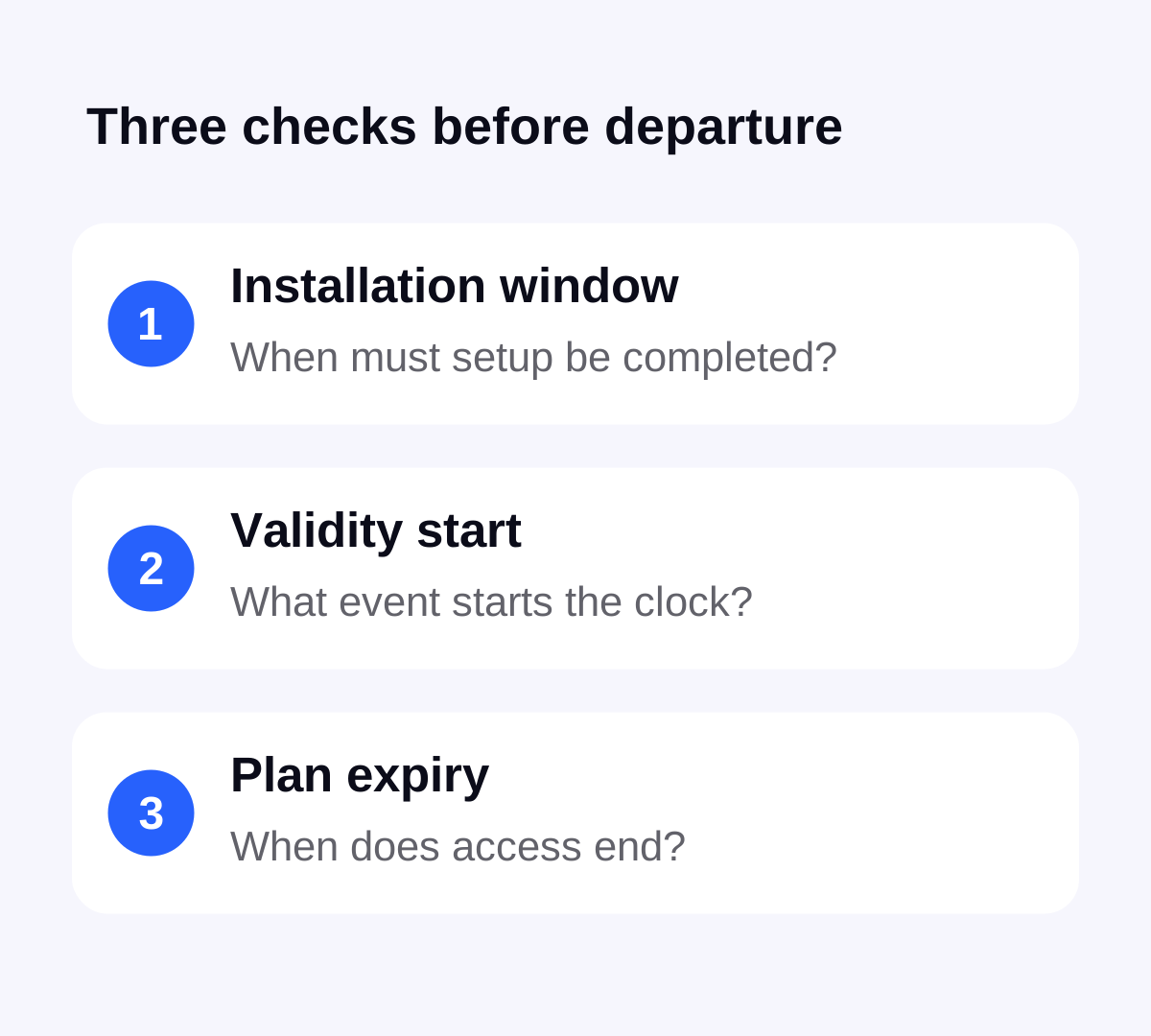
First, check how long you have to install or begin using the order after purchase. Second, identify the event that starts the plan’s validity. Third, check when the usable period ends. A purchase receipt, an installed profile and an active data plan are different pieces of information.
Ask a specific question if the instructions are unclear: “Will installing this order now start its validity, or does it begin on a supported network connection?” That gives support something concrete to confirm. Do not assume a rule from a different provider or an earlier holiday applies to the new order.
A checked Stellar example: first network connection
For one selected Portugal eSIM option checked on , the plan details list 1 GB of total data, 7 days of validity and a start rule of first network connection. That means the stated start trigger is the connection, rather than simply the purchase date.
This is one dated plan example, not a promise that every Stellar option has identical timing. Confirm the current rule and installation window on the exact offer in the app. The validity start rule also does not answer every expiry question: check the time and time zone shown for your order rather than inferring a midnight cut-off.
Check the last day before trying to save the first evening
List when you first need data and when you last need it. Include the transfer after landing and the trip back to the airport. “Seven nights” on a hotel booking does not establish how many hours of connectivity the journey requires.
As a timing illustration only, if a plan’s terms specify seven continuous 24-hour periods, starting it at 23:30 would make its end time seven days later at 23:30 on the same clock. It would not automatically expire at midnight after the first short evening. A plan using calendar days or another expiry convention needs a different calculation. This example is not a statement of Stellar’s time-zone or expiry calculation.
Choose an allowance and validity that cover your actual itinerary. Waiting until morning is of little help if you need a map or booking confirmation immediately after a late landing. Our offline arrival checklist gives you a useful backup while you get connected.
A regional plan may cover the stopover too
If the selected plan begins on its first supported network connection, check the coverage list against your whole route, including your departure country and any connection airport. A covered place before the main destination is relevant to when you allow the line to connect.
Do not turn on a regional line for a quick airport test without understanding the consequence for validity. Check the order’s instructions for controlling the line until you intend to start it. The plan selection guide helps you compare coverage and timing together.
Leave time for installation help before departure
Apple’s setup guidance calls for Wi-Fi or a hotspot, with exceptions for certain eSIM-only models and regions. Its available setup methods depend on the carrier. Arrange a reliable connection and keep the order instructions accessible rather than planning around a specific airport’s Wi-Fi working.
Once the timing rules are clear, use the applicable iPhone installation steps or Android installation steps. Keep installation codes private. An installed profile is not, by itself, proof that data will work outside the plan’s coverage.
Confirm the connection and keep the expiry handy
Choose and buy the plan in Stellar eSIM, then follow that order’s setup instructions. At the intended start time and covered destination, select the travel data line, apply its roaming settings and try a small online task without Wi-Fi. Check the plan status, remaining allowance and expiry details in the app.
If the displayed status is unclear, contact support with the order reference and the time and place of the attempted connection. Avoid repeatedly deleting and reinstalling a profile to restart the clock. Apple explicitly advises against erasing an eSIM for troubleshooting unless the provider directs it; deletion is not a validity reset.
Sources & further reading
Product information and device guidance used for this article. Check your selected plan and exact device before purchase or setup.