Separate the account, the order and the installed profile
Think of three things to check: access to your Stellar eSIM account, the plan you purchased, and the eSIM profile installed in the phone’s mobile settings. Seeing the order after signing in does not by itself prove that the new phone has an installed, working profile.
Write down which device currently holds the travel line, whether it has been installed and whether validity has begun. Keep the order reference available privately. Never post an activation code or QR image in a public support thread. If you have not purchased yet, our plan selection guide helps you check compatibility and installation timing first.
What iPhone and Android transfer tools actually tell you
Apple offers eSIM Quick Transfer when the carrier supports it. Its setup guide describes requirements for the two iPhones and explains that activating the transferred plan on the new phone deactivates the previous SIM. A transfer button is therefore a device capability, not a promise that every prepaid travel order supports that route.
Google’s Pixel guidance likewise makes automatic transfer dependent on the carrier and lists device requirements. If a transfer is not detected or keeps failing, Google directs you to the carrier. Do not keep trying unrelated activation methods simply because another person’s home SIM transferred successfully.
For Stellar, ask support which process applies to the specific order before attempting a move. This guide does not promise Stellar Quick Transfer, replacement profiles, reusable QR codes or a free transfer between devices.
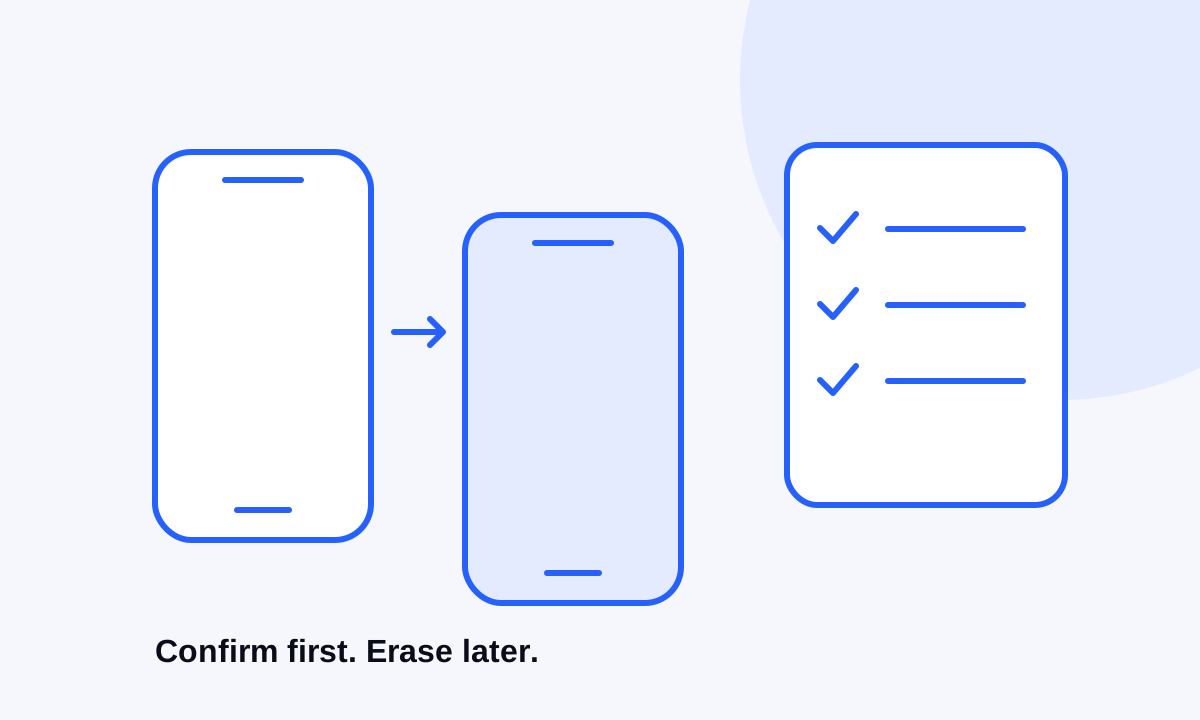
Use this checklist before you erase anything
- Confirm the new phone’s exact model and regional version support eSIM and that carrier restrictions do not prevent using your chosen provider.
- Check that you can access the app account and its recovery method without relying only on the phone you plan to erase.
- Note the order reference, destination, remaining allowance and validity status.
- Ask the provider whether that installed profile can move, whether replacement is required and whether any charge or deadline applies.
- Keep a reliable internet connection available for the approved setup process.
- Keep the old device accessible until the new connection is confirmed or the provider has given a clear alternative.
If departure is close, decide whether changing devices can wait. Avoid creating an unnecessary recovery job just before leaving for the airport.
If you bought a plan but have not installed it
Before opening the installation flow on either phone, confirm the order’s installation method and activation rule. Installation and the start of validity are not always the same event. Follow the order-specific instructions rather than using a general recommendation to install everything immediately.
Choose the phone you intend to travel with and complete setup there only once you understand those rules. Our iPhone installation guide and Android installation guide cover the basic device flow; they do not override your purchased plan’s conditions.
If the eSIM is already installed or the old phone is gone
Do not delete an installed profile to make a transfer “start again.” Apple explicitly advises against erasing an eSIM as a troubleshooting step unless the carrier directs it. Deletion can leave you needing provider help to restore service.
If the old device has already been erased, lost or traded in, contact support with the order reference and the new device details. State what happened and whether you still have the original installation information, without sending credentials in public. Ask what recovery options exist before buying a second plan. A new purchase would be a separate decision, not evidence that the original allowance or validity moved.
Check the new phone before you pack the old one away
After the approved setup, identify the travel line in mobile settings, select the intended data SIM and follow the order’s roaming instructions. When you are in the covered area and at the right activation time, briefly disconnect Wi-Fi and load a small page. Avoid an early test that could start validity before your trip.
Open Stellar eSIM to review the plan and remaining data. Check your usual number separately if you need calls or account-verification messages; our guide to keeping your number while travelling explains that distinction. Once the new setup is confirmed, follow the manufacturer’s instructions for preparing the old phone for sale or recycling.
Sources & further reading
Product information and device guidance used for this article. Check your selected plan and exact device before purchase or setup.