Separate the three questions before checkout
Start with the device you will actually take, not a model name remembered from a previous phone. You need to know whether that model and regional version support eSIM, whether it is carrier-unlocked for another provider, and whether the chosen plan fits the destination and dates.
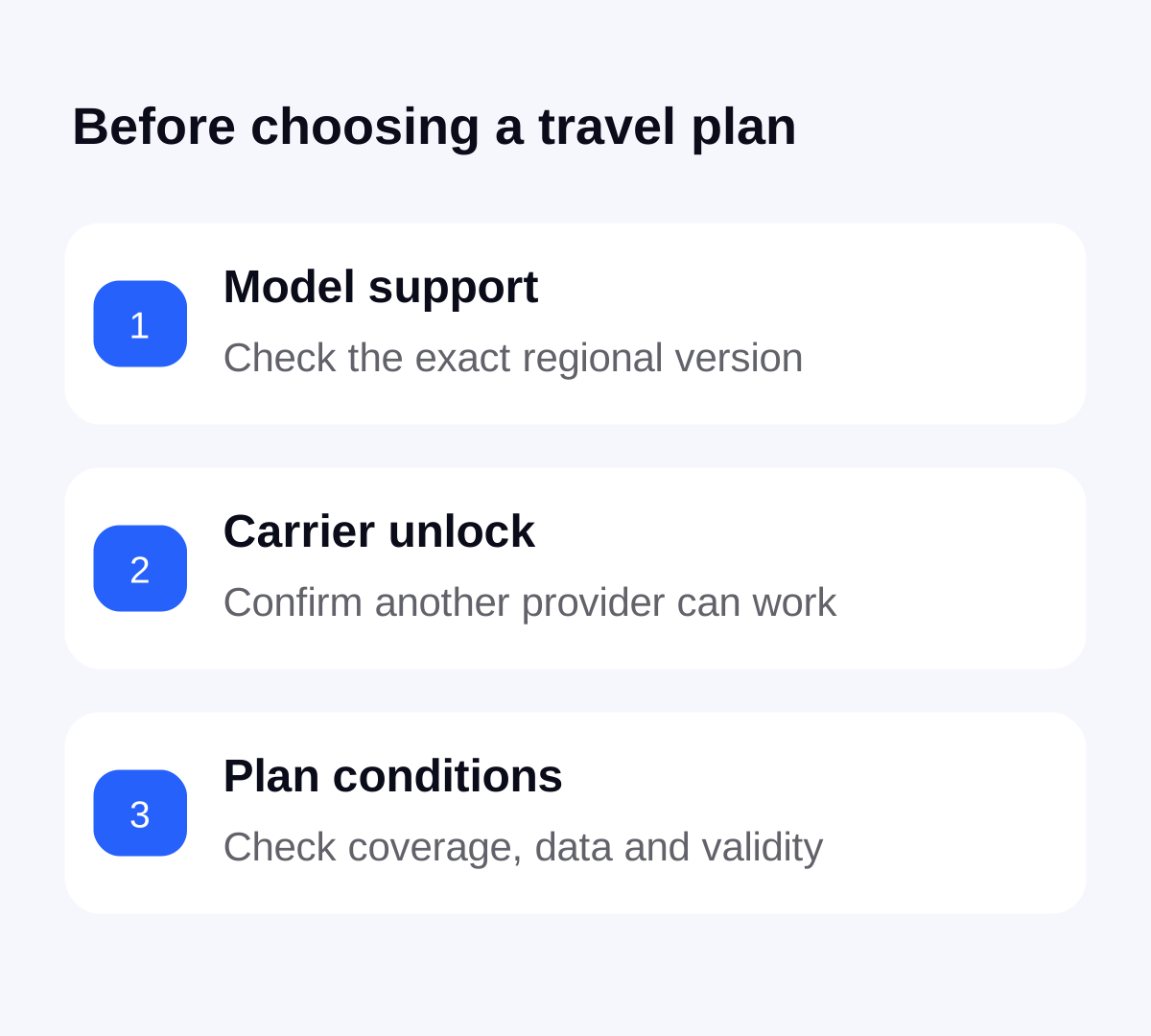
A working home SIM answers only part of the question. It shows that the phone can use its current service. Similarly, installing the Stellar eSIM app is not evidence that the phone can install every offered plan. Do these checks before choosing a larger allowance or paying for a second order.
Check the iPhone carrier-lock field
Apple directs travellers to Settings, General, About, then Carrier Lock. “No SIM Restrictions” is the status Apple identifies for an unlocked iPhone. If you see a restriction or cannot establish the status, contact the current carrier before buying another provider’s travel service.
Keep the model and software version available when asking for help. Ask a narrow question: can this exact phone use another provider’s eSIM now? A general answer that the phone supports eSIM does not resolve a carrier restriction.
For Pixel and other Android phones, ask about this exact device
Google explains that Pixel phones may be SIM-locked or unlocked depending on where they were purchased. To use another carrier, the phone must be SIM-unlocked. Google directs owners of locked phones to discuss removal of the restriction with their mobile service provider.
Do not copy an iPhone menu path onto every Android model. Use your manufacturer’s instructions and the original provider’s confirmation. For a second-hand device, keep the seller’s description and purchase information available if the advertised unlock status does not match what you find.
Resolve the restriction before relying on travel data
Ask the responsible provider about eligibility, any account action needed and when the change will actually take effect. Requirements and processing times depend on the provider; this guide does not promise an immediate or free unlock. Apple says only the current carrier can unlock an iPhone for another carrier.
A screen passcode, an account password and a carrier restriction are different problems. Describe the exact message rather than saying only that the phone is “locked”. Do not buy an eSIM as a way of changing a forgotten passcode, removing someone else’s account or satisfying an outstanding carrier requirement.
For an employer-managed phone, ask the device administrator before adding personal travel service. Keep account identifiers, installation codes and identity documents within the provider’s official support process rather than posting them publicly.
Already bought a plan? Keep the order and the error message
If installation fails, note the message and check whether a profile already appears in mobile settings. Keep the order reference so Stellar support can identify the purchase. Avoid assuming that another data amount or another country plan will cure a device restriction.
There is no universal refund or replacement promise in this guide. Ask support what applies to the order before purchasing again or removing a profile. If the phone is already confirmed unlocked and the installation succeeded, use the travel eSIM troubleshooting checklist to investigate the connection separately.
Finish the pre-departure check while you have time
Once compatibility and carrier status are confirmed, choose and buy the appropriate plan in Stellar eSIM. Review its coverage, allowance and validity, then follow the installation instructions supplied for that order. Use the app to follow remaining data during the trip.
The iPhone installation guide and Android installation guide cover the device setup. The activation timing checklist helps you avoid testing a plan earlier than intended. For a stopover in another country, compare the layover connection separately before checkout.
Sources & further reading
Product information and device guidance used for this article. Check your selected plan and exact device before purchase or setup.